
Simulation Early access
Test thousands of conditions before the first real one
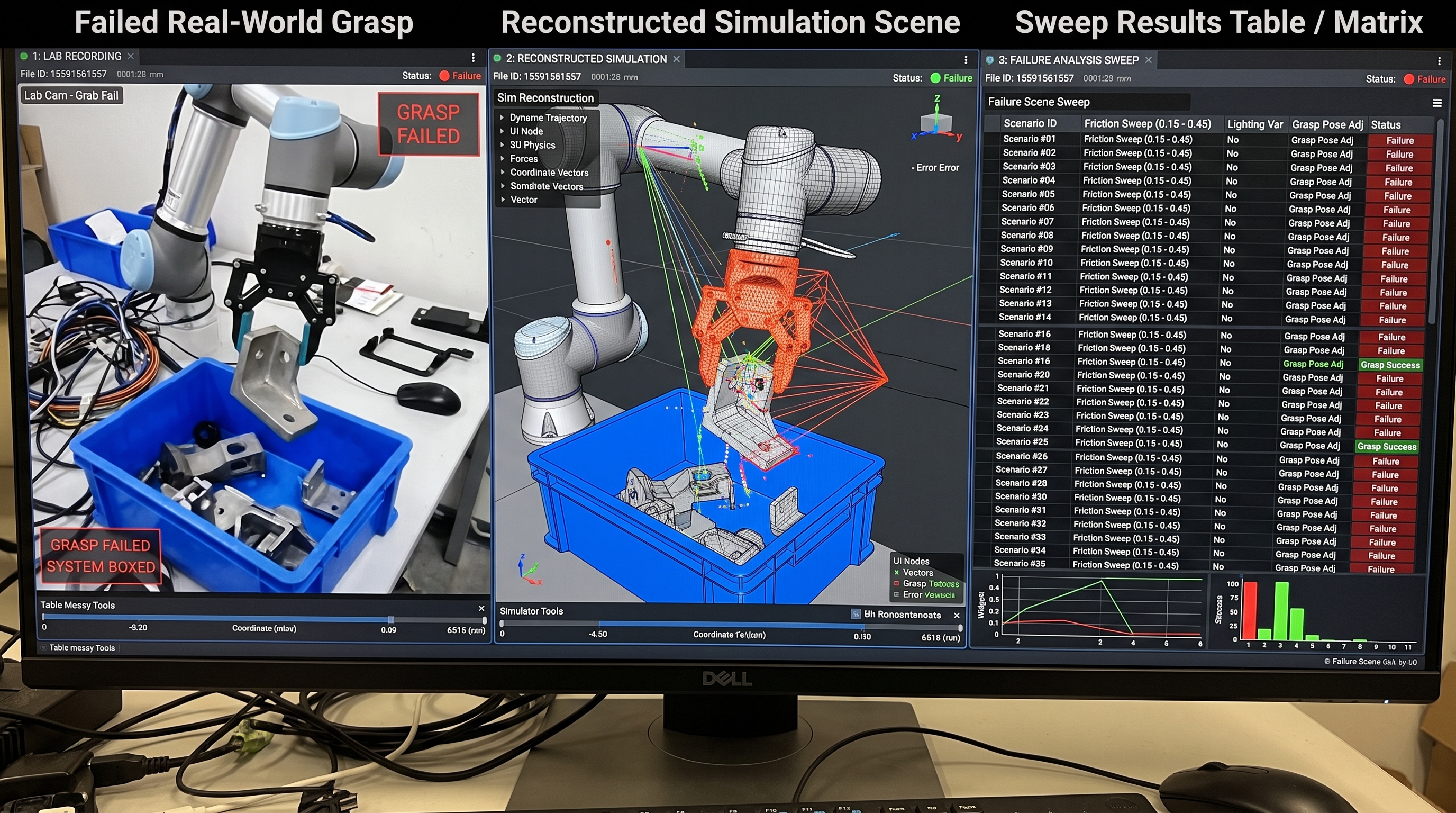
Run the same scene under thousands of conditions: friction, lighting, sensor noise, object poses, seeds. EsaSim spreads the runs across your GPUs and shows where the design holds and where it breaks, while a change still costs a rerun.
Ready to run
Start from a ready-made flow, keep full control
Simulations are blocks in a blueprint: run them as they are, change their settings, or open their code. Demos for every account are on the Projects page.
Landing sweep
Drone landings on a moving pad under wind, gusts and sensor noise, split into parallel tasks, with a 3D replay.
Warehouse fleets
A warehouse of mobile robots run live, with deliveries, orders, batteries and incidents; fleet-size and layout sweeps compare options in batches.
Rocket launch and landing
A booster flight at Earth scale in the 3D view: lift-off, staging, the entry burn and a landing on a drone ship, with cameras on board.
Soft-tissue anatomy
Organs from a CT scan that sag and sway under gravity as you turn the body, with measured stiffness per tissue.
Humanoid locomotion
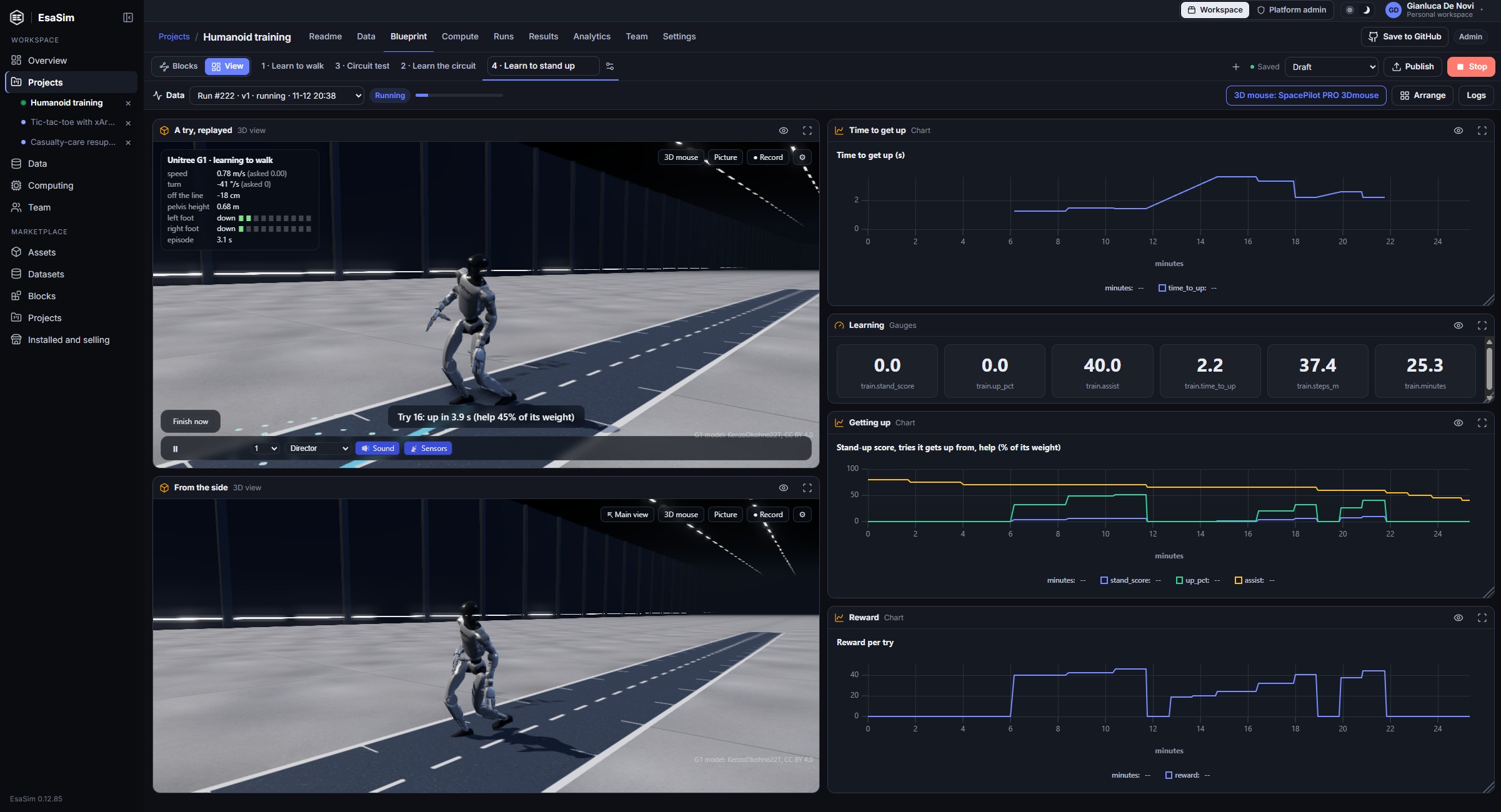
A Unitree G1, Unitree H1 or Apptronik Apollo learns to walk, climb stairs and get up after a fall, thousands at once on one GPU with MuJoCo Warp, then walks a circuit live in 3D.
Any robot from its description
Training for robots EsaSim has never seen, from their MJCF or URDF and a category: legged, arms, wheeled, flying.
Accelerator benchmark
Checks a worker end to end: driver, memory, throughput, on NVIDIA, AMD, Intel, Huawei Ascend or Tenstorrent.
Your own simulator
A Python block runs Isaac Sim, Isaac Lab, MuJoCo or your own code with live telemetry, on the worker's Python or in the Docker image you choose.
Sweeps
One job, many replicas
Set the number of replicas and EsaSim splits the parameter grid between them. Each replica gets its own GPU and log stream, and the job finishes when all of them do.
Blueprints
Watch the sweep as it runs
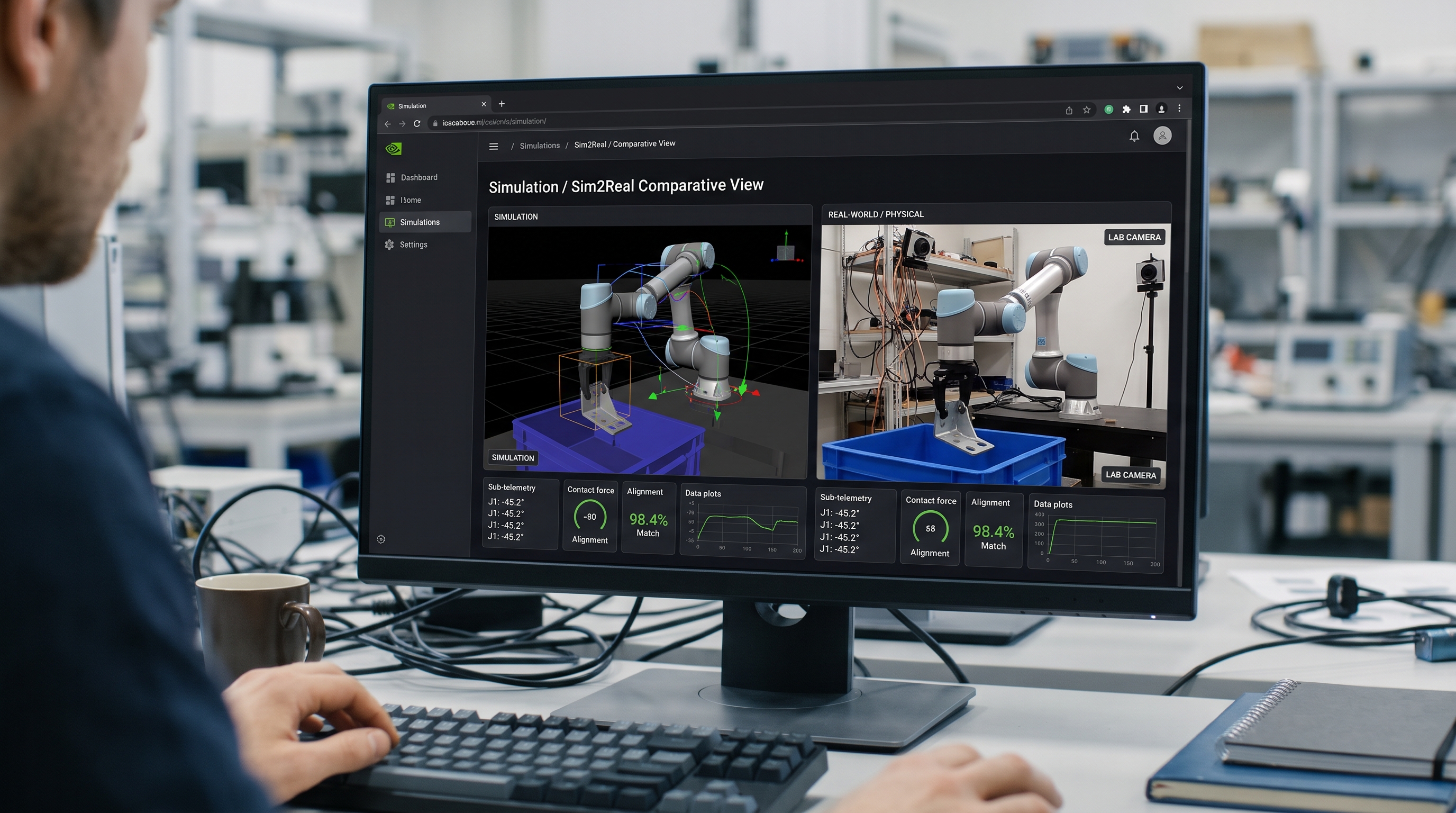
Build a sweep as a blueprint and its results land on one page: metrics, a chart filling in while tasks report, a table of every scenario and a 3D replay of the runs you want to look at.
- Live telemetry from every task, every second or two
- A landing flown live in 3D while the sweep runs, then replays with a timeline, runs to compare and a follow camera
- A 3D scene block that gives each object its model (from the EsaSim library, or your own glTF, OBJ, STL and PLY) and its trajectory
- Videos of any run rendered on your workers with Blender or the built-in renderer
Sim-to-real
Take fewer surprises to real hardware
A sweep ranks conditions by how close they come to failure, so real test time goes to the few cases that deserve it. When something still goes wrong on hardware, it becomes a scenario in the set and is tested on every later change.
In development: bridge workers. Mark a local worker as connected to a real robot or board, run the trained policy on it, and watch the real robot in the same views as its digital twin, with limits, a watchdog and an emergency stop enforced by the bridge.
From simulation to real hardware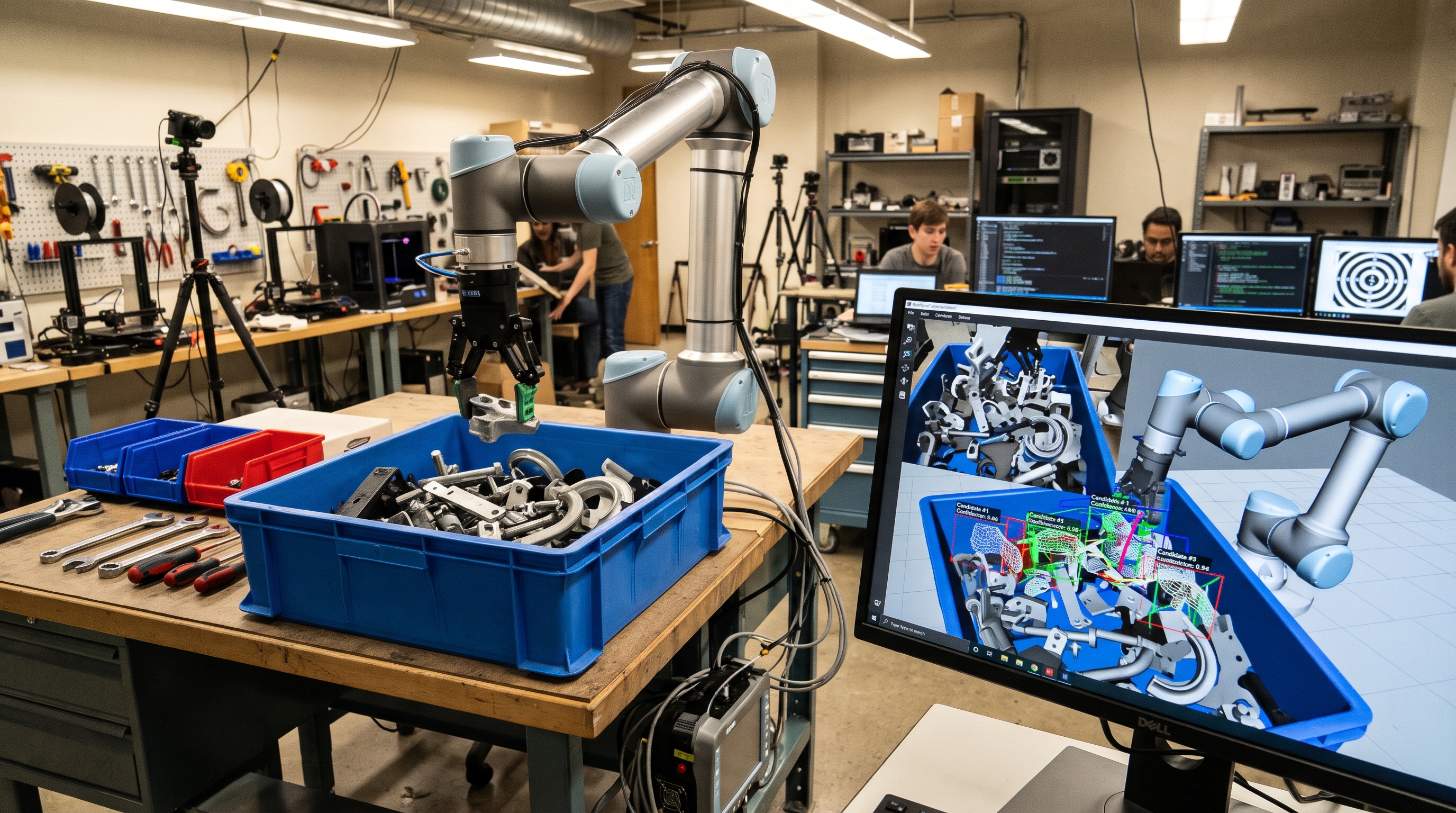
Try a sweep on your own GPU
The free plan runs blueprints such as the landing sweep on your own workers.