

From an idea to production
Where we build
Physical AI
Build it with your AI assistant. Prove it in simulation. Ship it behind your own app.
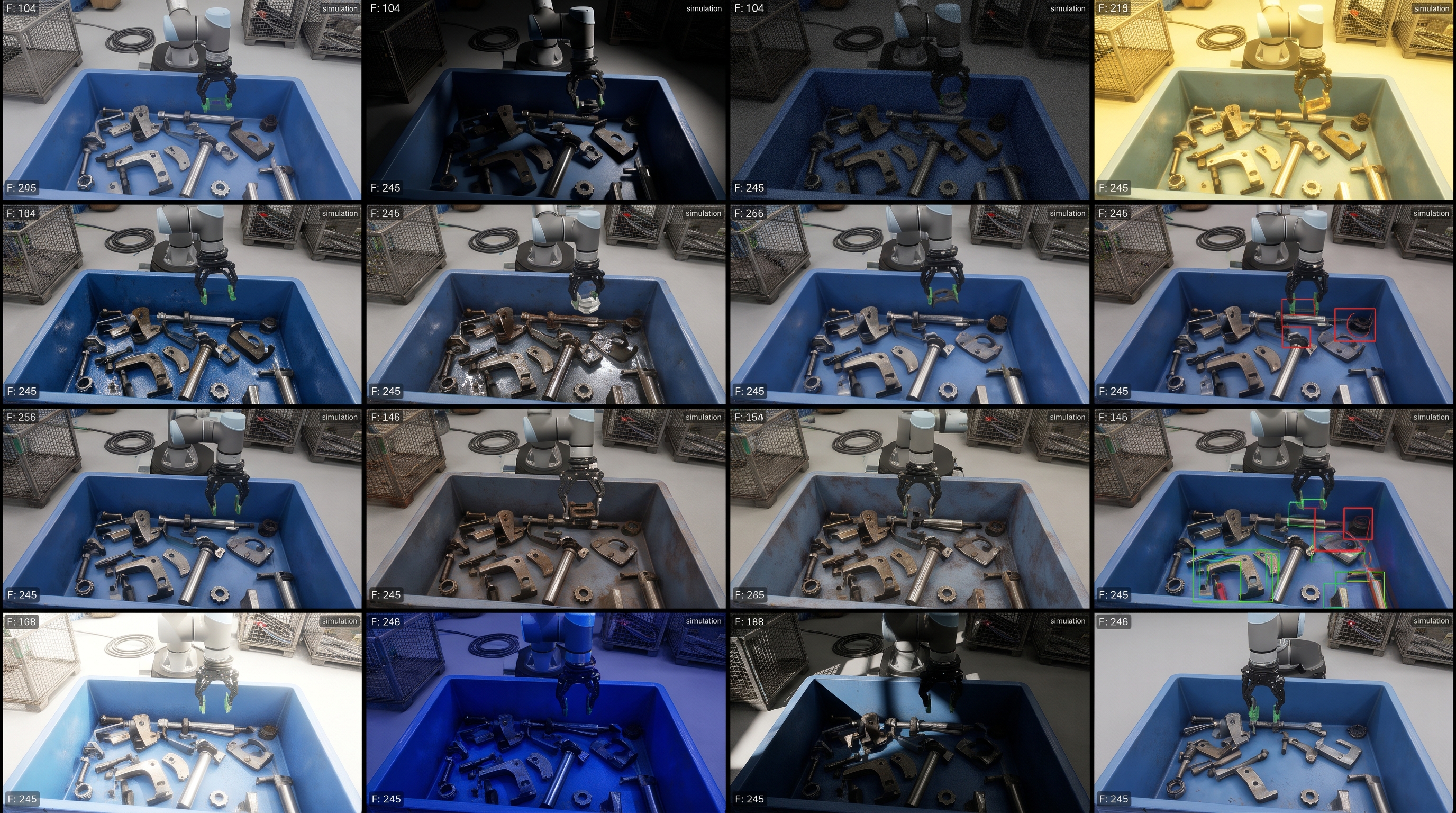
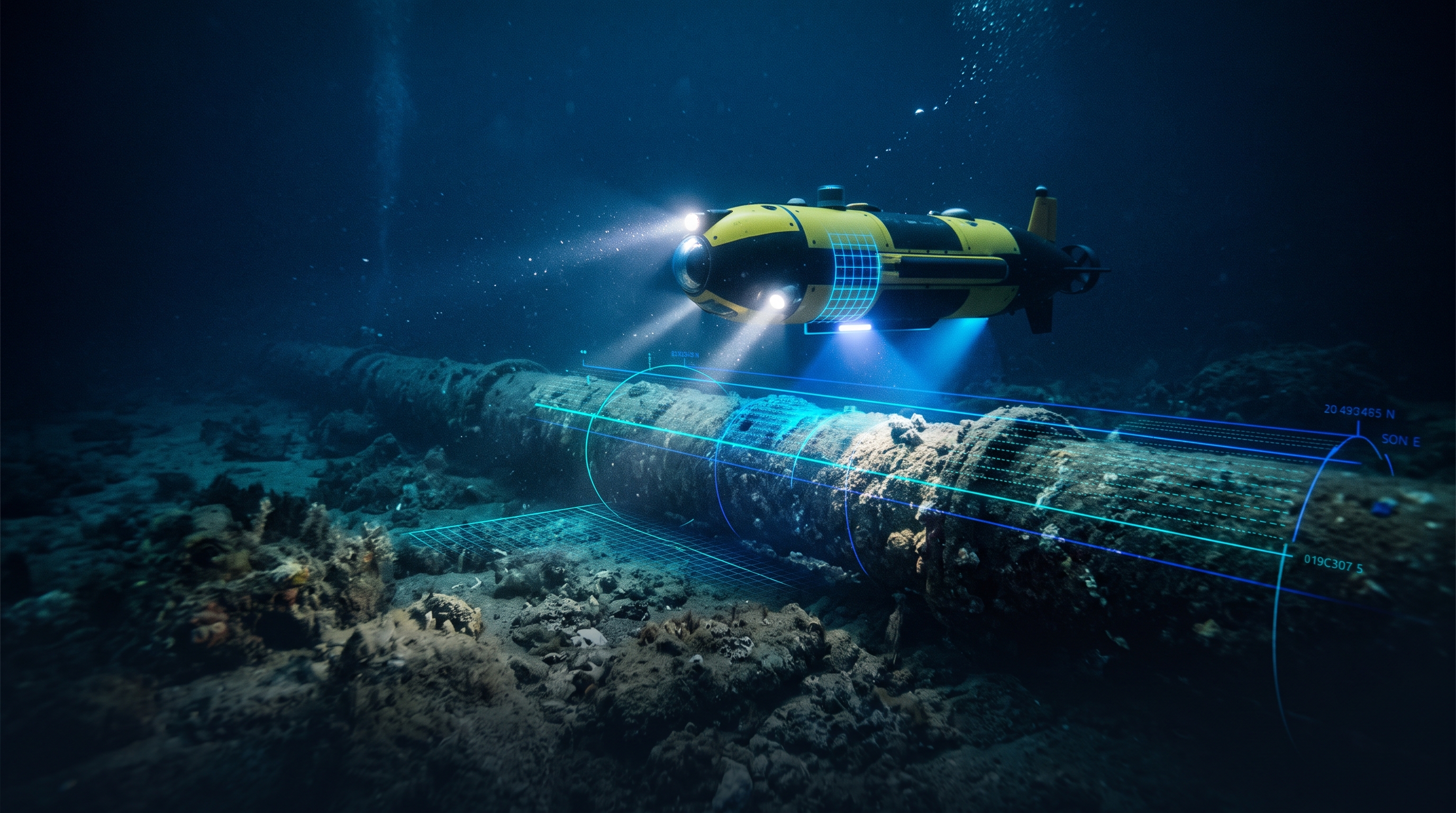
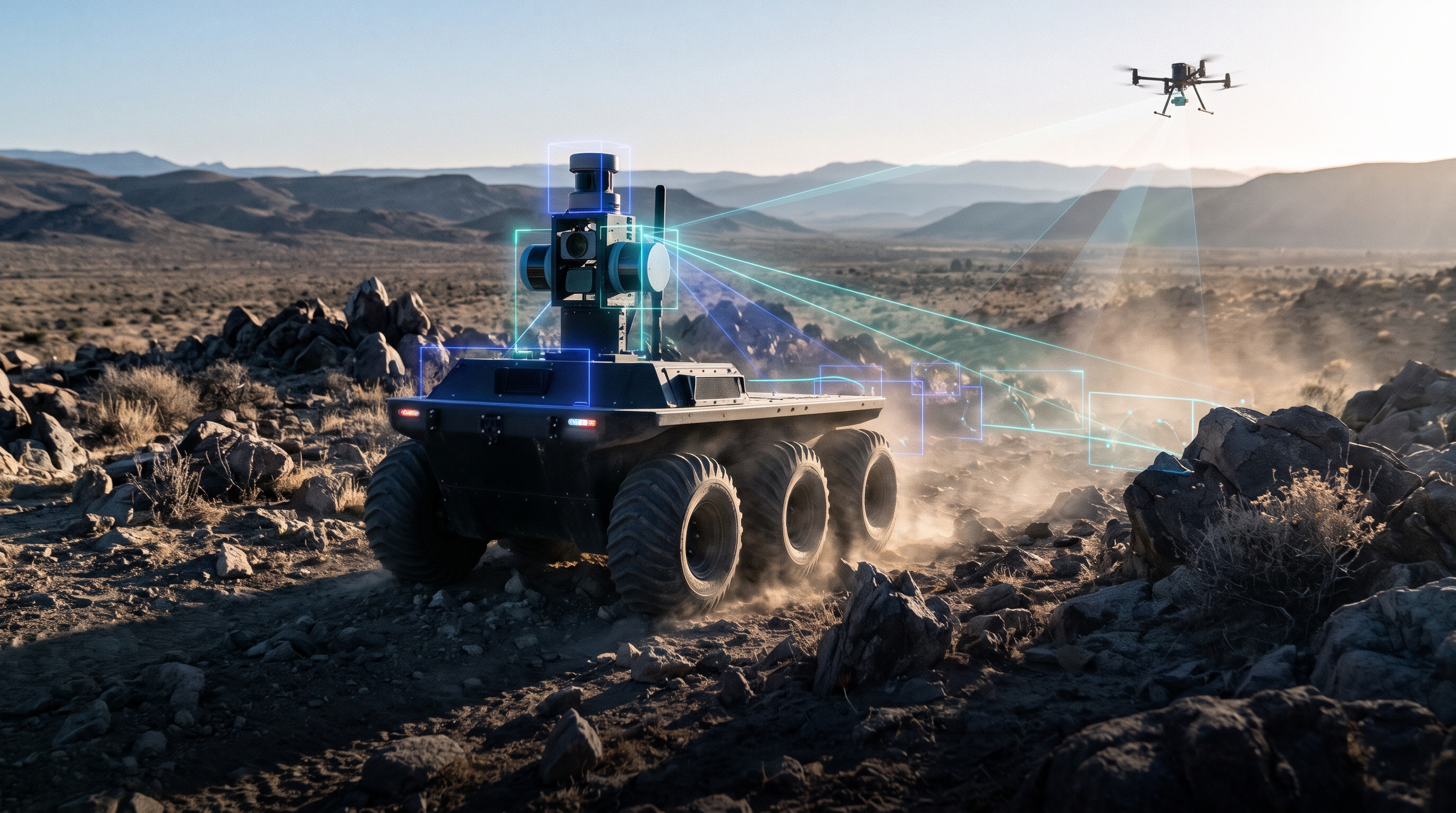
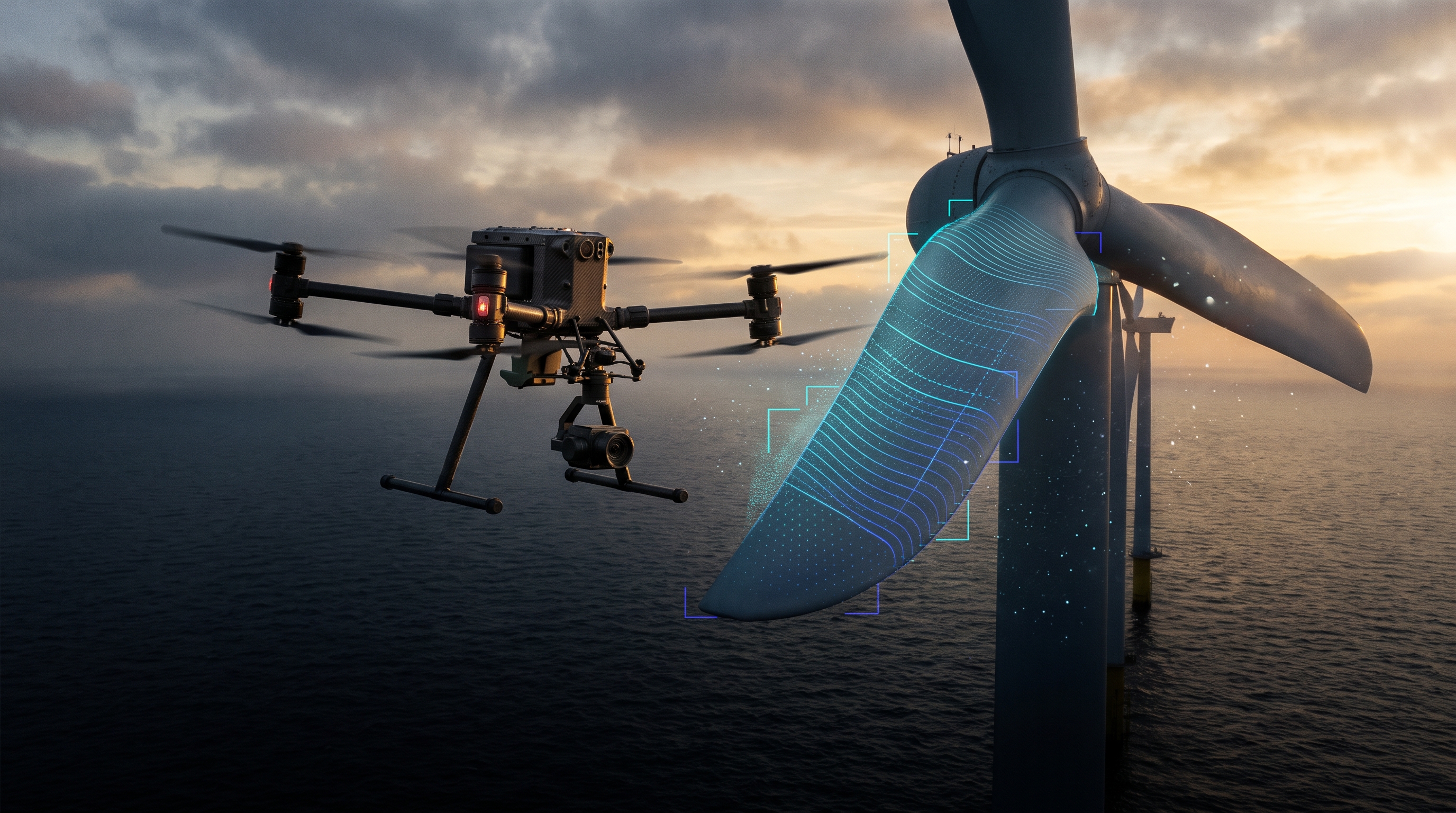
Works with the hardware and tools you already use


One path
From a question to something your product runs on
Most teams build in one tool, test in another and rewrite everything for production. In EsaSim the thing you tested is the thing you ship.
- 01 · Build
Describe it, or wire it yourself
A robot behaviour, a data pipeline or an AI service becomes a blueprint: blocks for data, simulators, training, models and views. Your AI assistant builds it with you and writes the blocks that do not exist yet.
Build with agents - 02 · Prove
Test it where mistakes are cheap
Run it across thousands of conditions in simulation, or on the cases you already know. See where it breaks, change it, and run the same cases again, while a change still costs a rerun.
Prove it in simulation - 03 · Ship
Put it behind your product
Publish the blueprint as an endpoint and your app or CI calls it with a key of its own. Publish a trained policy as a release. What runs in production is the version you tested.
Ship to production
Build · Agentic workflows
Describe the study. Your assistant builds it, runs it and reads the results.
Setting up a simulation used to mean days of glue code. Connect the AI assistant you already use and say what you want to learn. It works inside your workspace with the access you choose, and everything it makes is an ordinary flow you can open, edit and run yourself.
Today: Claude, ChatGPT, Cursor, Claude Code and any client that speaks MCP. In development: EsaSim's own models and an API for agents.
How assistants work in EsaSimYouWill our drone land on a moving pad in gusty wind? Find where it starts to fail.
- ✓ Found the blocks: Landing sweep, Telemetry, 3D view, Chart
- ✓ Built the flow Pad landing study, version 1
- ✓ 400 scenarios × 50 trials on your workstation
- ✓ Read the results of 20,000 landings
AssistantIt lands in 69.6% of the runs overall. Below 7 m/s of wind it almost always lands; above 9 m/s it rarely does. I would test a stronger gust rejection gain next: shall I add it as a setting and rerun the same 400 scenarios?
Prove · Simulate first
Every problem costs more the later you find it
A mistake found in simulation costs a rerun. The same mistake found on a prototype costs weeks, and in the field it costs a customer. EsaSim moves the finding to the cheap end.
Compare designs while they are still settings
Which gripper, which sensor placement, how many robots, which layout: run the same scenarios with each candidate and compare them side by side before buying or building anything.
Spend real test time where it counts
Sweep wind, friction, lighting, noise and timing across thousands of runs. The few conditions closest to failure are the ones worth a flight, a track day or a sea trial.
Know what a change broke before anyone else does
Keep your scenarios as a set and rerun it on every new policy or controller. A regression shows up as a number on a page, with the replay to explain it.
Some things will still go wrong on real hardware. When one does, it becomes a scenario in the set, so it goes wrong once.
Blueprints
The whole study on one grid. Every result on one page.
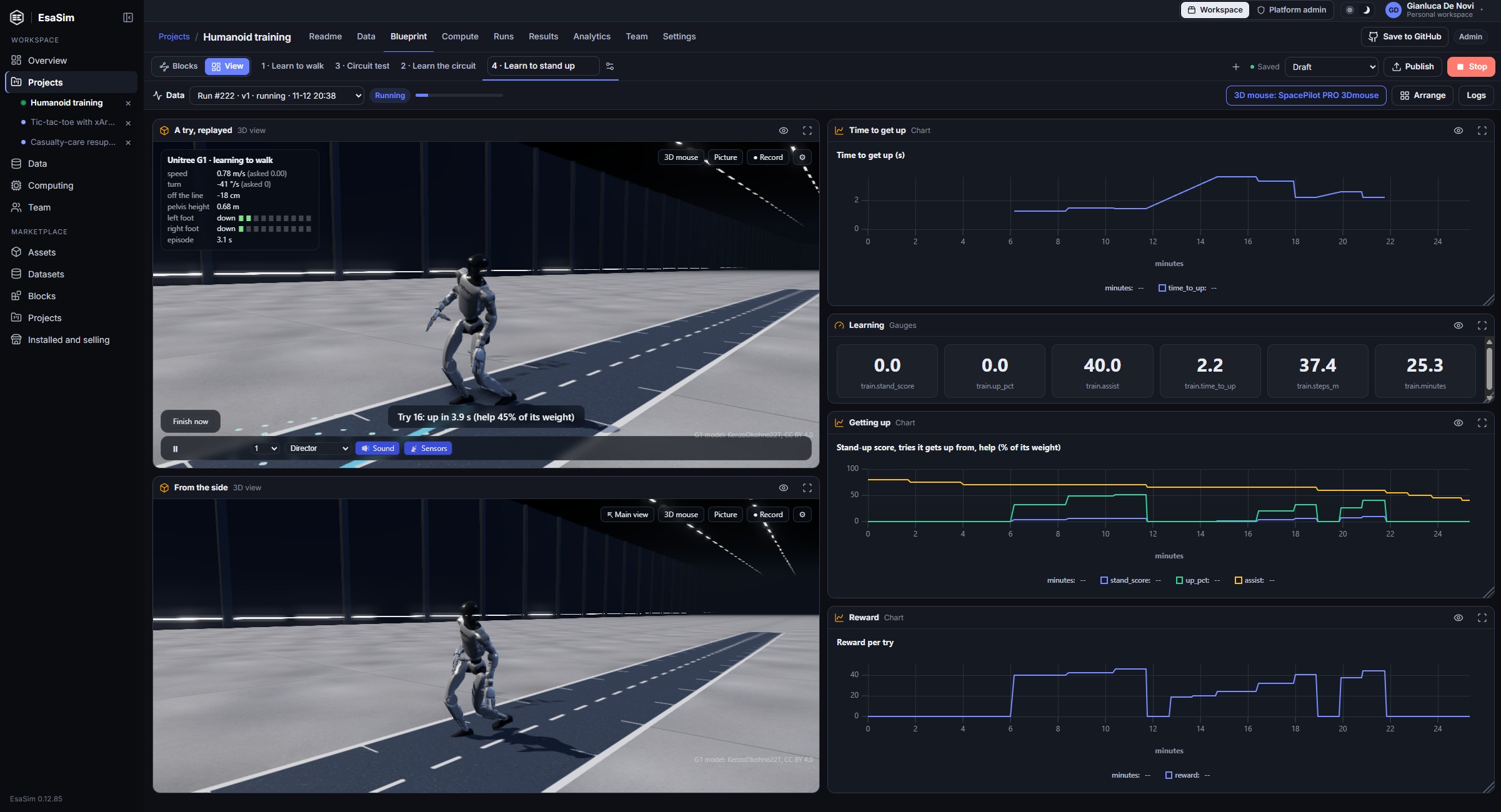
A blueprint wires datasets, simulators, AI review and views into a flow. Run it on your workers and watch the charts, tables and 3D replays fill in while it runs.
- Blocks for data, simulation, training, AI and views, plus your own in Python or JavaScript
- A console that lists what would stop a run before you start it
- 3D replays of robots, drones, fleets and flights, rendered to video on your workers
- Numbered versions: every result says which flow and which data produced it
Scale
Start on a laptop. Scale to your servers and the cloud.
The same blueprint runs on all three. EsaSim sends each block to a worker that fits it, so growing is a matter of adding workers, not rewriting anything.
Your computer
A laptop or a workstation on Windows, Linux or macOS. Install the worker once, pair it with a code, and run. Free on every plan.
For a first study, a student, a small team.
Your servers
Lab and company GPU workers, on premises or remote, shared by a team with limits for each person. Workers connect out only, and data stays inside your network.
For labs, and for teams whose data must not leave.
EsaSim Cloud
Cloud GPUs started and released for you, paid per second from prepaid credits, so a run never costs more than you set aside. No hardware to own.
For teams without GPUs, and for runs larger than your own workers.
Request cloud accessShip
What you proved is what your product runs
Publish a blueprint as an endpoint and it gets an address and a key. Your app, your service or your CI sends the inputs; EsaSim runs the published version and answers with the results as JSON.
The app sees only that endpoint. Edits in progress never reach it, and every call is a run on record.
Tutorial: from a blueprint to your app# your app's server
curl -X POST https://esacode.com/api/v1/endpoints/8915…/runs \
-H "Authorization: Bearer esf_…" \
-d '{"inputs": {"sources": "https://…/upload-4127.jpg"},
"wait": 20}'
# the answer
{ "status": "succeeded",
"version": 6,
"outputs": [{
"path": "review/decisions.csv",
"rows": [{ "item": "upload-4127.jpg",
"label": "ok",
"confidence": 0.97 }] }] }Teams and enterprise
Work on it together, the way you work on code
A project is a repository in your own GitHub. Nothing is locked in, and the workflow is the one your engineers already know.
Branches, pull requests, reviews
Start a branch, open a pull request that says what changed blueprint by blueprint, and merge after review. Changes made at the same time are merged block by block, and only real clashes wait for a person.
Projects and GitHubRoles, limits and a full record
Owners, admins, members and viewers; limits per member on GPUs and runs; an audit log of who changed and launched what, people and AI assistants alike. Every run names the version and the data that made it.
Organizations and rolesSecurity your IT team will accept
Workers connect out over HTTPS and nothing connects in. Data and results stay on your hardware. Two-factor sign-in, IP allow lists and session timeouts can be enforced for a whole organization.
Security overviewStart from a working study
Copy a demo, run it on your worker, then make it yours
Every account sees complete projects with their flows, data and results. Copy one into your workspace and change it, or ask your assistant to.
Drone landing study
Hundreds of landings on a moving pad under wind, gusts and sensor noise, in parallel, with a 3D replay and success by condition.
Drone landingWarehouse fleet
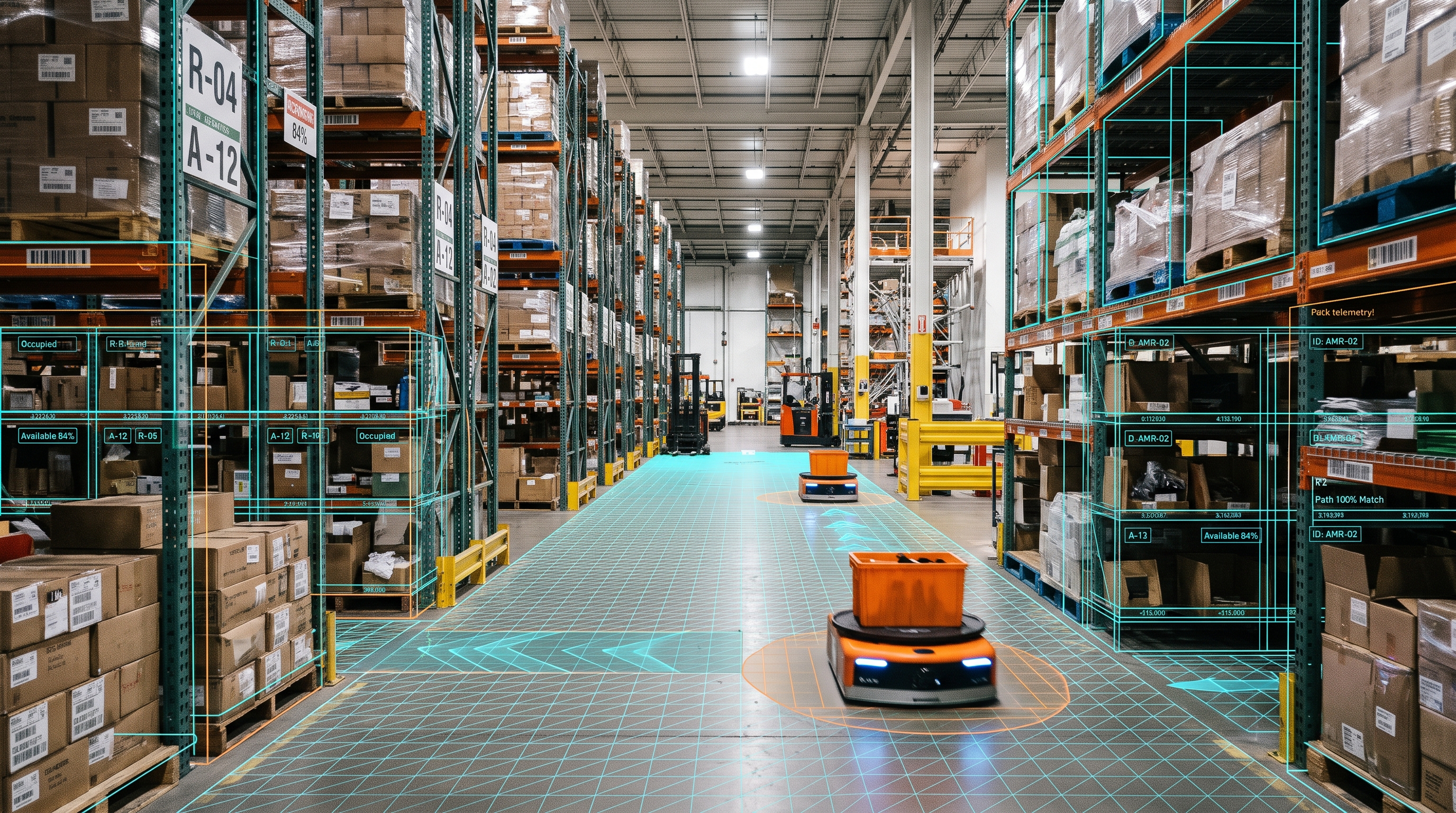
Mobile robots moving orders through a warehouse, live. Sweep the fleet size and the layout to see where congestion starts.
Warehouse fleetHumanoid locomotion
A humanoid learns to walk, climb stairs and get up after a fall, thousands at once on one GPU, then walks a circuit in 3D.
RoboticsBooster landing
A rocket flight at Earth scale: lift-off, staging, the entry burn and a landing on a drone ship, with cameras on board.
Booster landingCT scan to 3D anatomy
Scans checked, segmentations turned into 3D models, and organs that move under gravity. For research and teaching.
CT anatomyData review with an AI agent
An agent reviews pictures and logs where they are stored, labels each with its reasoning, and keeps the cases worth simulating.
Data curationWhere it is used
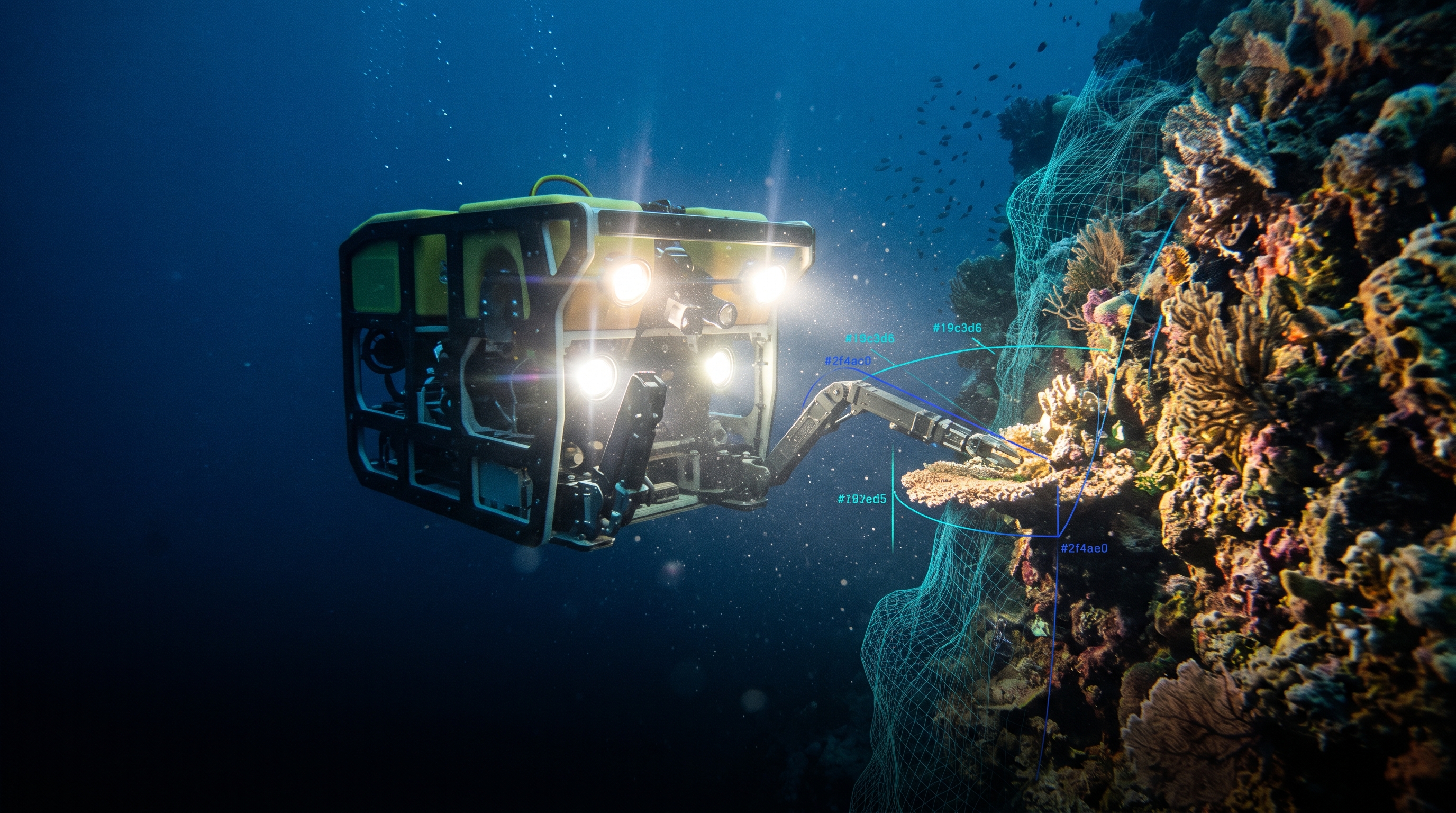
Wherever a worker has to get it right the first time

Built for engineers
The details you would have built yourself
Checks before the run
The console lists what would stop a run before you start it: a missing accelerator, an offline worker, data a project may not use.
Workers that fit
Each block goes only to a worker with the accelerator it needs, and waits while none is online, instead of failing halfway.
Live telemetry and logs
Blocks report values while they run; charts, tables, pictures and the 3D view update every few seconds, next to the log of every task.
Reproducible runs
Each run keeps its flow version, the data versions it read, the workers and GPUs it used and its outputs, so a result can be traced and run again.
Your own blocks
Write a block in Python or JavaScript in the editor, check it with Verify, and the whole workspace can use it. Its versions go to GitHub with the project.
Rendering on your workers
The Render block turns a 3D scene into frames and an MP4 with Blender or its own renderer, and streams the frames to the page while it works.
AI review of your data
An Agent block reviews files, pictures and logs with the model you choose and records a label and its reasoning for each.
API endpoints
Publish a blueprint as an endpoint: your app or CI sends the inputs and reads the results as JSON, with a key of its own.
Roles and audit log
Owners, admins, members and viewers, per-member limits, and a record of who changed and launched what, people and assistants alike.
Where EsaSim is today
In early access, and clear about what that means
EsaSim works today and is still growing. This is what you can rely on now and what is being built; the changelog records each step.
Available
- Blueprints, the View page and the 3D view
- AI assistants through MCP: build, run and read results
- Your workers on Windows, Linux and macOS
- Sweeps and reinforcement learning with MuJoCo, Isaac Sim, Isaac Lab or your own simulator
- Datasets in place, AI review and image curation
- Projects on GitHub with branches, pull requests and history
- API endpoints: your own app runs a blueprint and reads the results
In development
- EsaSim's own models and an API for agents
- EsaSim Cloud: GPUs on prepaid credits (request access)
- Bridge workers: run a trained policy on the real robot
- Training for any robot from its MJCF or URDF
- Signed run evidence for reviewers and regulators
Design partners
Building something where a mistake is expensive?
While EsaSim is in early access we work closely with a few teams: we help you set up your first simulation and your first endpoint, and you tell us what is missing.
Pricing
Start on your own GPU. Grow into a team.
For research
Free for labs and students
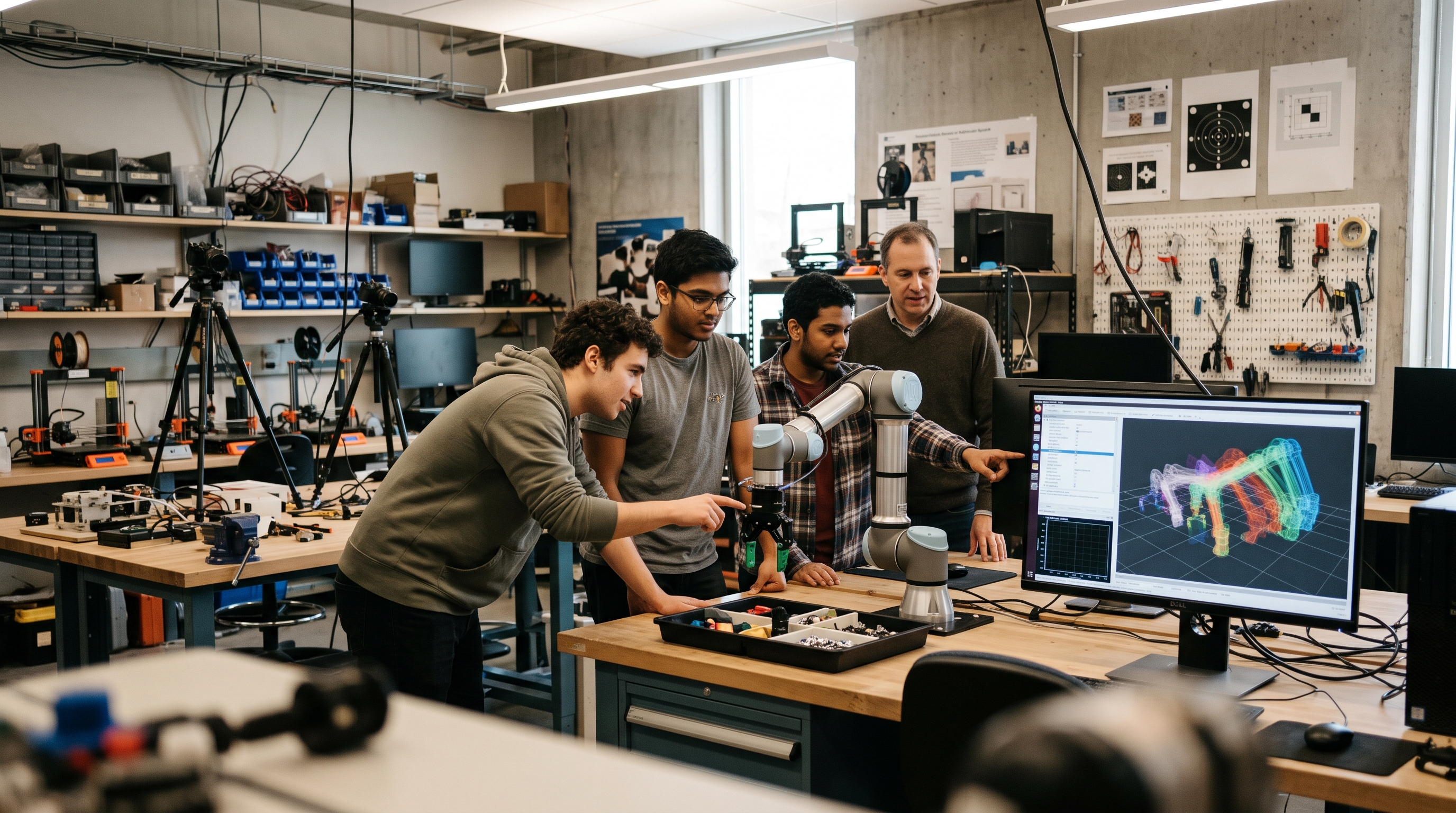
Researchers can run EsaSim on lab hardware at no cost, and apply for Pro features for published work. If EsaSim helps your paper, we would like to hear about it.
Build your first study this afternoon
Create a free account, link GitHub, pair a computer and copy a demo, or describe what you need to your assistant. It takes about ten minutes.