

Docs / Run and ship
Results and usage
Where job outputs are stored, how long results are kept, and how to read the usage page.
Where outputs live
Job outputs stay on the worker that produced them. EsaSim does not copy datasets, checkpoints or recorded sensor data to its servers.
- Your workers: each task writes to its own folder,
<data folder>/jobs/<job id>/task-NN-<attempt>, on the worker. Every file is listed in the job's Outputs tab; small text, data and image files (up to 5 MB each, 25 MB per job) are also uploaded, so you can view and download them in the dashboard. - Shared GPU servers: outputs will be written to the server's local storage for that job.
When a job ends, the worker sends two things to the website:
- Small files, such as summary reports, metrics and the job configuration.
- An index of all output files with names and sizes, so you can see what exists without moving it.
Results you keep, and results in your own app
- Trained policies and models. They stay on your workers like any result. To keep one, publish a version of it from the project's Data tab: it becomes a release of the project's repository on GitHub. See Publishing trained policies.
- Results as files of your own. A block's Outputs go to setting sends its files to a dataset (a folder on a worker, a bucket, a cloud drive) as they are made.
- Results in your app. A blueprint published as an endpoint answers a call with what its run made: links to every file, and small JSON, CSV and text files in the answer itself. See API endpoints.
Where to find them
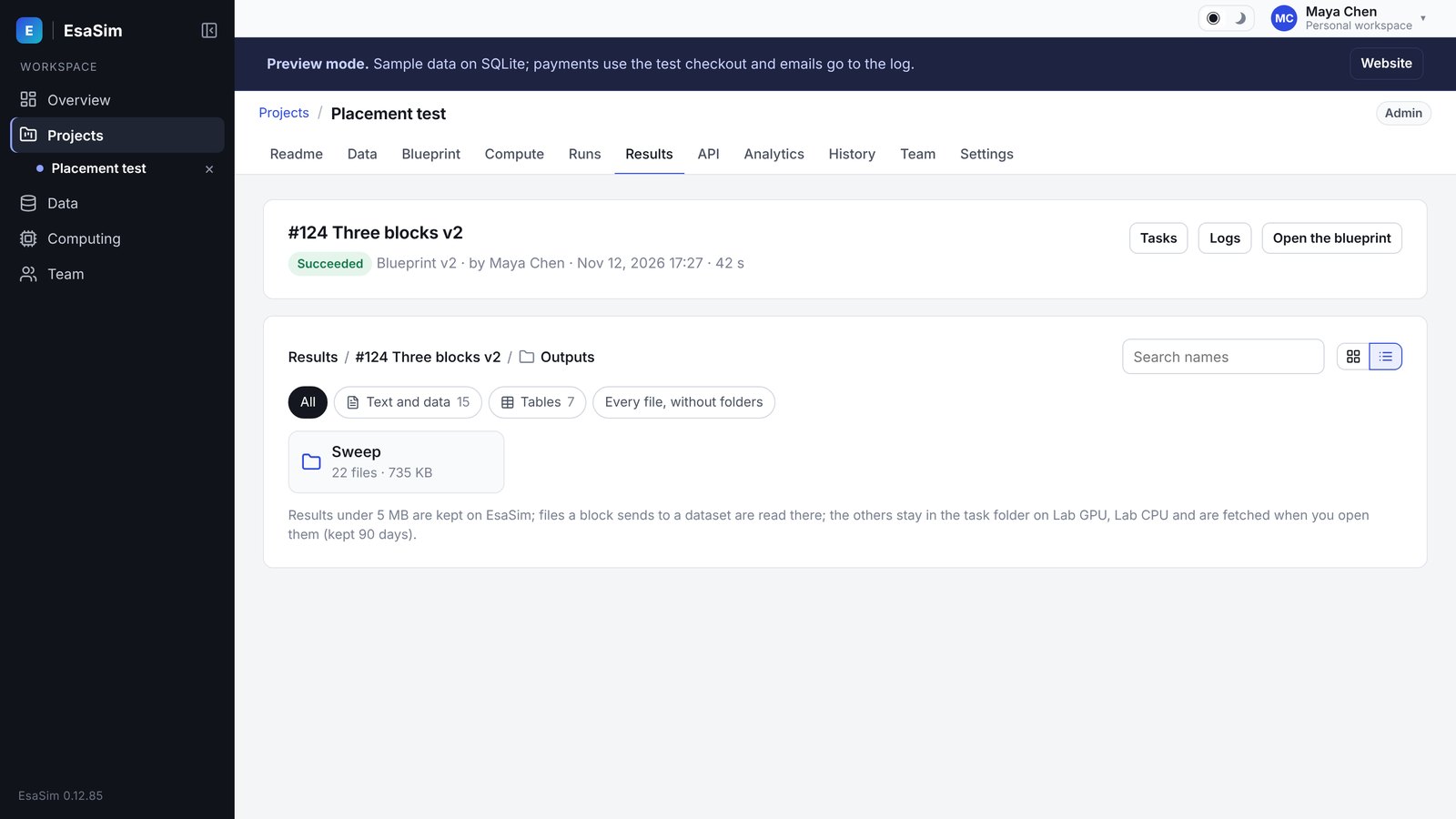
- In the project: the Runs tab lists the project's runs (with their flow, who started them, their tasks and logs) and the Results tab shows, run by run, the data it read and the files it made, with a viewer for each kind of file. A flow's results are also on its View page, in its views.
- A project's Results tab: its flows, each flow's runs, and each run's files by block. Results follow the project's permissions: people outside the project never see them.
- Computing > Jobs: every job of the workspace, running and finished, with its page of tasks, logs and outputs.
Retention
Job records, small files and output indexes on the website are kept according to your plan:
| Plan | Results kept |
|---|---|
| Free | 14 days |
| Pro | 90 days |
| Enterprise | 365 days |
Retention applies to what is stored on the website. Files on your workers stay until you delete them. EsaSim does not delete files on your workers.
If you need a result beyond the retention period, keep the copy on your worker. The worker copy is not affected by website retention.
Usage page
The Usage page shows how much GPU time your workspace consumed. Usage is measured in GPU-hours: one GPU busy for one hour counts as one GPU-hour. A 4-GPU job running for 2 hours counts as 8 GPU-hours.
You can break usage down by:
- Day: GPU-hours per day over the selected period.
- Member: who launched the jobs (organizations only).
- Worker: which worker or server did the work.
Filter by project to see the cost of one line of work.
Budgets and limits
Your own GPUs do not incur EsaSim compute charges. Usage figures help you plan capacity and see how a shared server is used.
In an organization, owners and admins control consumption through per-member GPU limits and feature permissions. For example, they can cap the GPUs a member can use per job or restrict a member to their own workers. See Organizations and roles.
When cloud compute becomes available, cloud jobs will consume paid resources. Spending controls for cloud usage will be documented with that release.